Register POS
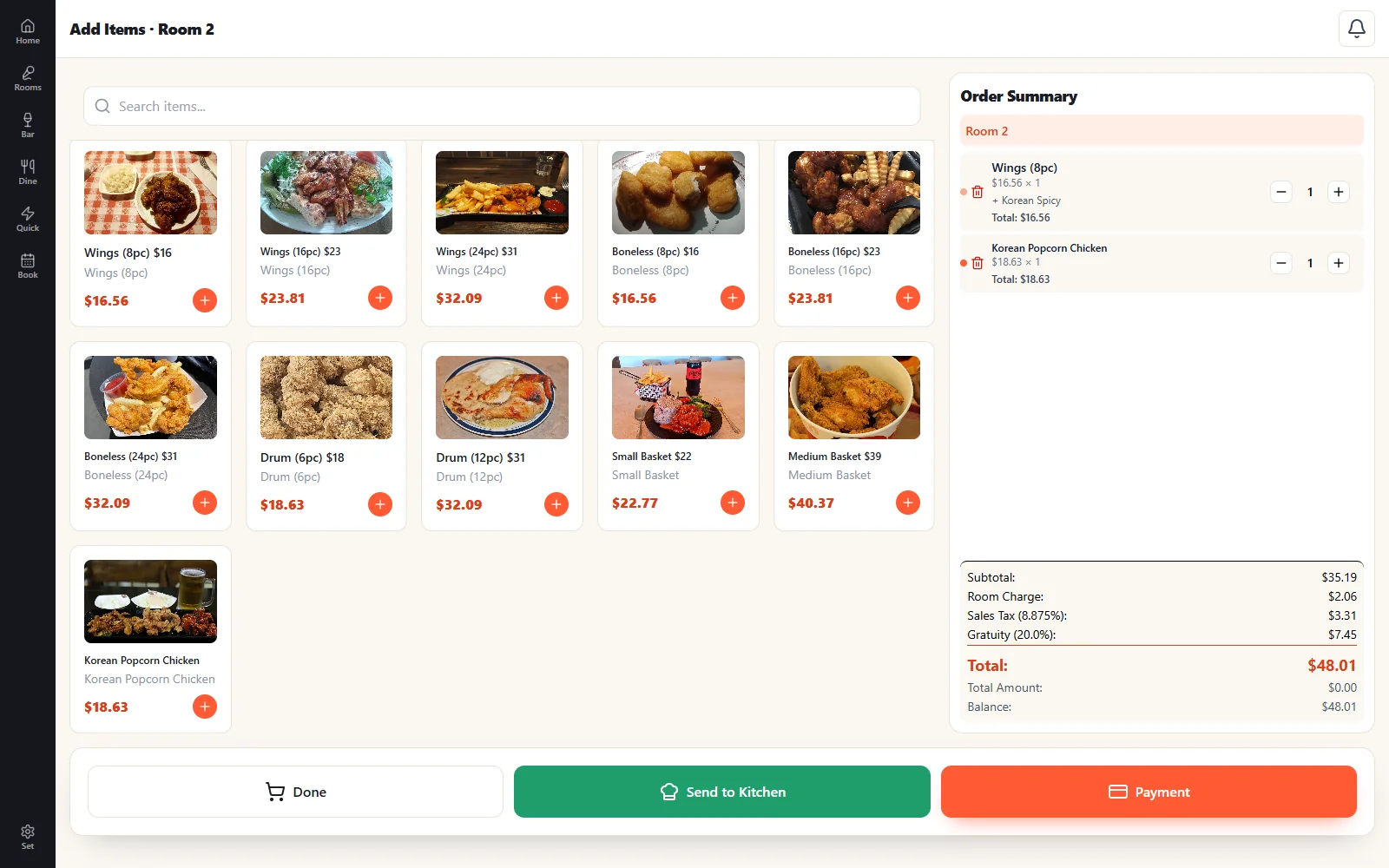
Rooms, tables, bar tabs and quick service on any Windows PC or tablet. Photo menus, split checks, kitchen routing and card payments in one screen.
- Room timers for KTV, screen golf and event rooms
- Floor plans, tabs and counter service
- Keeps selling through internet outages (in-store hub)
Rooms with live timers
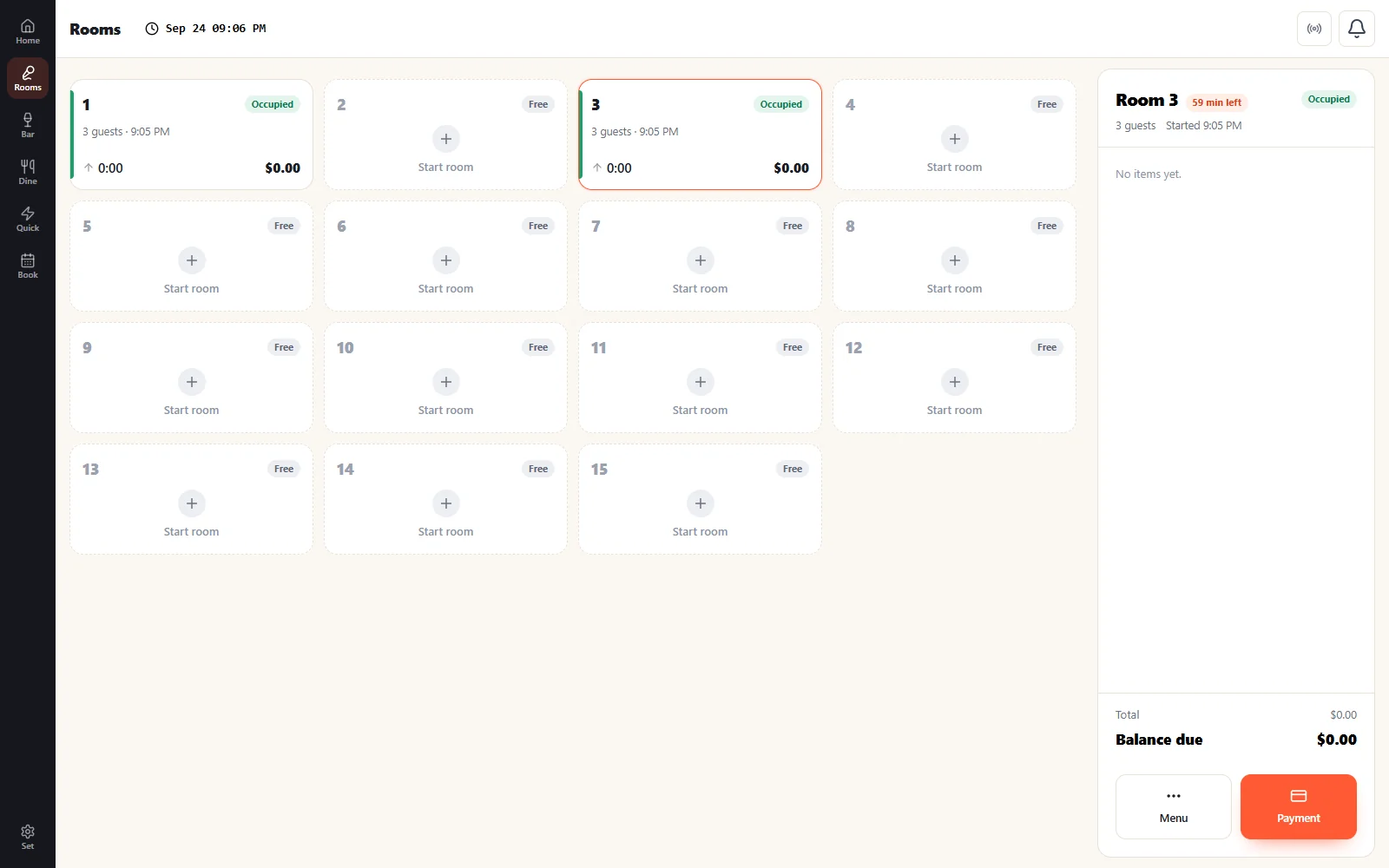
Count-up or count-down billing with per-hour rates by day and time. Every occupied room shows guests, elapsed time and time remaining at a glance.
- Count-up (unlimited) or prepaid count-down blocks
- Per-hour rates by day and time, plus extra-guest charges
- Built for KTV, screen golf and private event rooms
Set it up your way
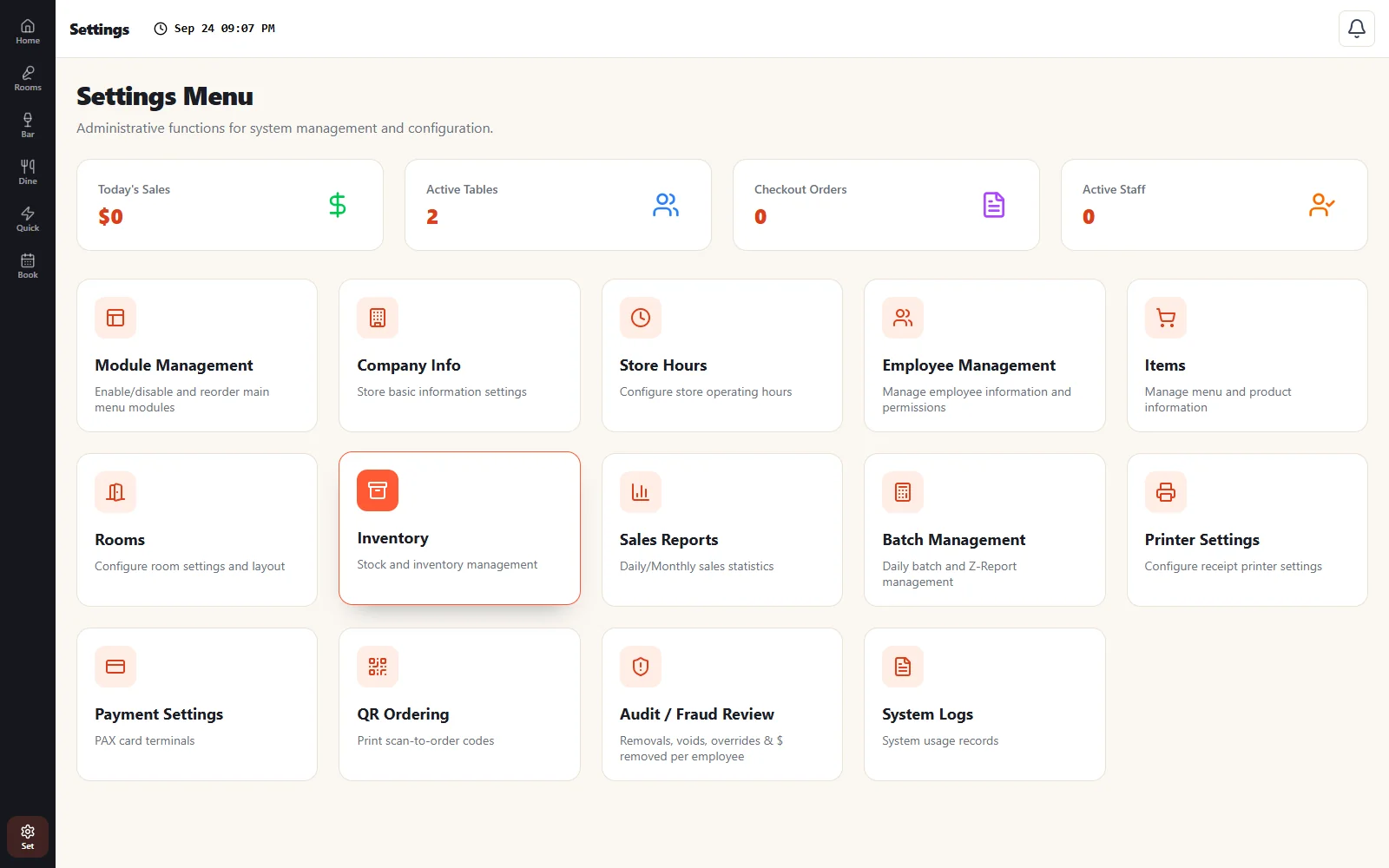
Configure everything from one settings screen — items and menus, rooms and rates, employees and permissions, receipt and kitchen printers, PAX card payments, QR ordering, and audit and fraud review.
- Menus, rooms, rates and store hours
- Employees, roles and permissions
- Printers, PAX card payments and QR ordering
- Audit / fraud review and sales reports
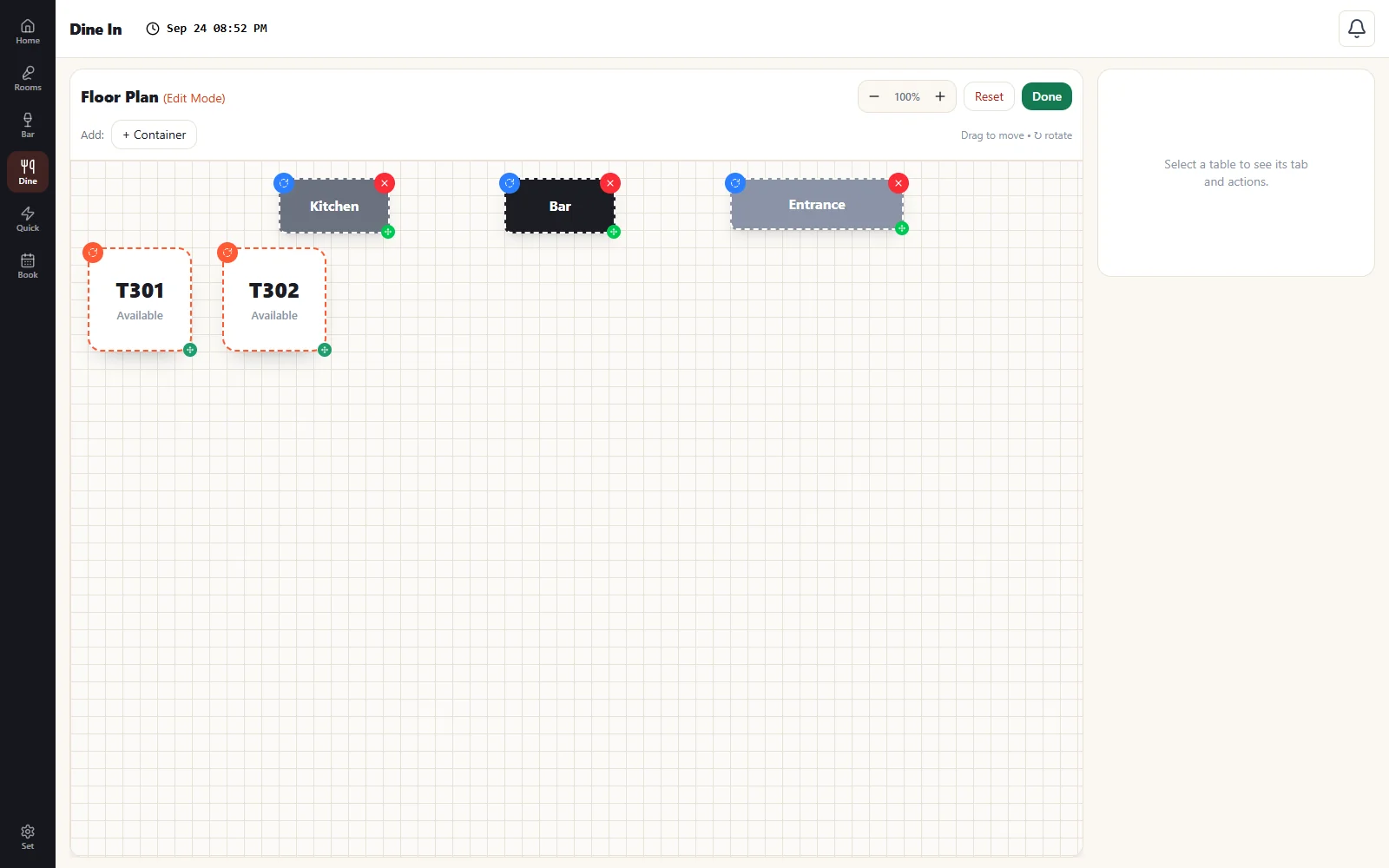
Drag-and-drop floor plan
Lay out your dining room the way it really looks. Add tables, resize and arrange them, and drop in bar, kitchen and entrance markers.
- Resize and rotate tables to match your space
- Bar, kitchen and entrance markers
- Tap a table to open its tab
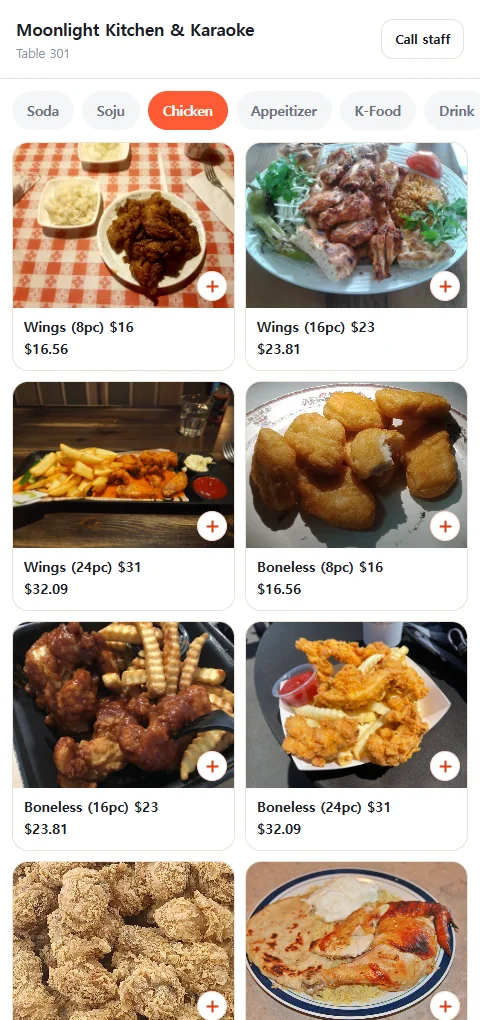
Self-service: kiosk and QR
Any Windows touchscreen becomes a card-only, pay-first kiosk. Every table and room gets a QR code so guests order from their phone browser. Both feed the same kitchen.
- Attract-screen slideshow between orders
- Options, tips and taxes handled correctly
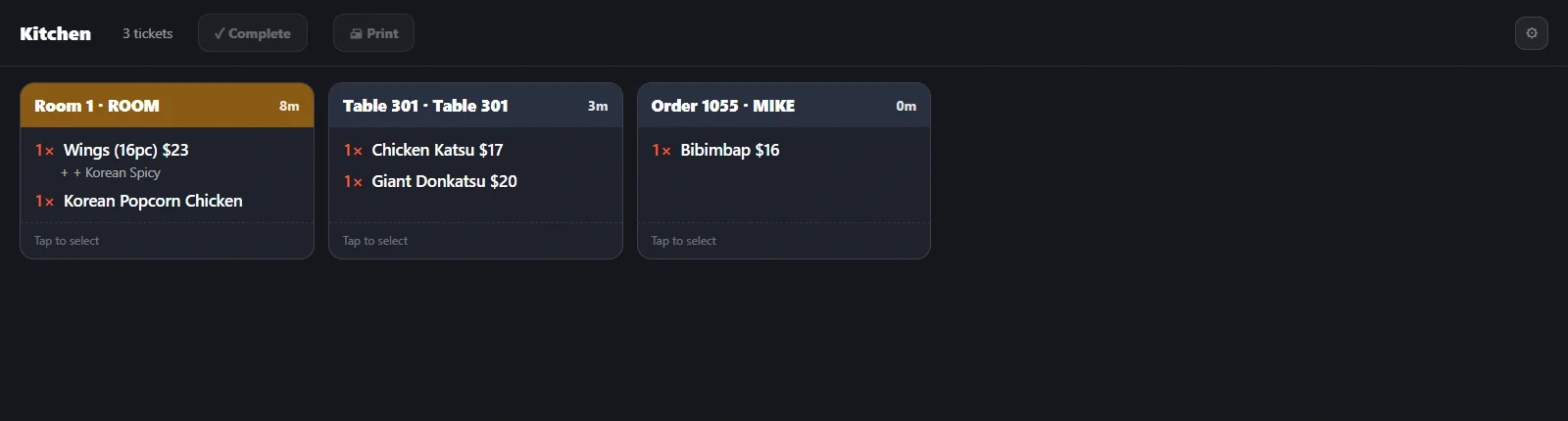
- Orders hit the kitchen display and printers instantly
Customer-facing display
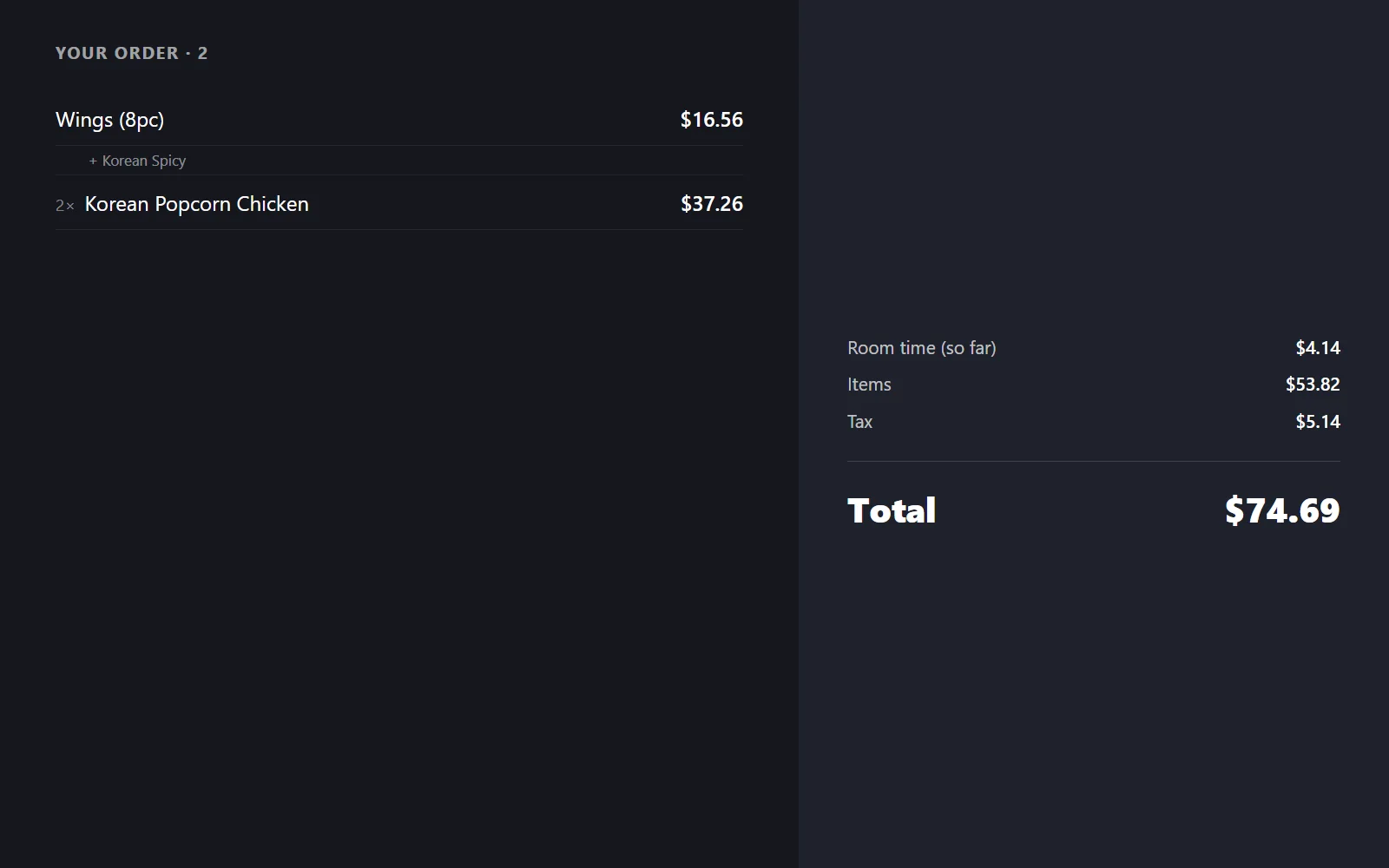
A second screen faces the guest and mirrors the register in real time: every line, option and total as it is rung up, then card prompts, change due and a thank-you.
- Live order and bill, line by line
- Card-reader prompts and tip confirmation
- Your own promo slideshow while idle